

-
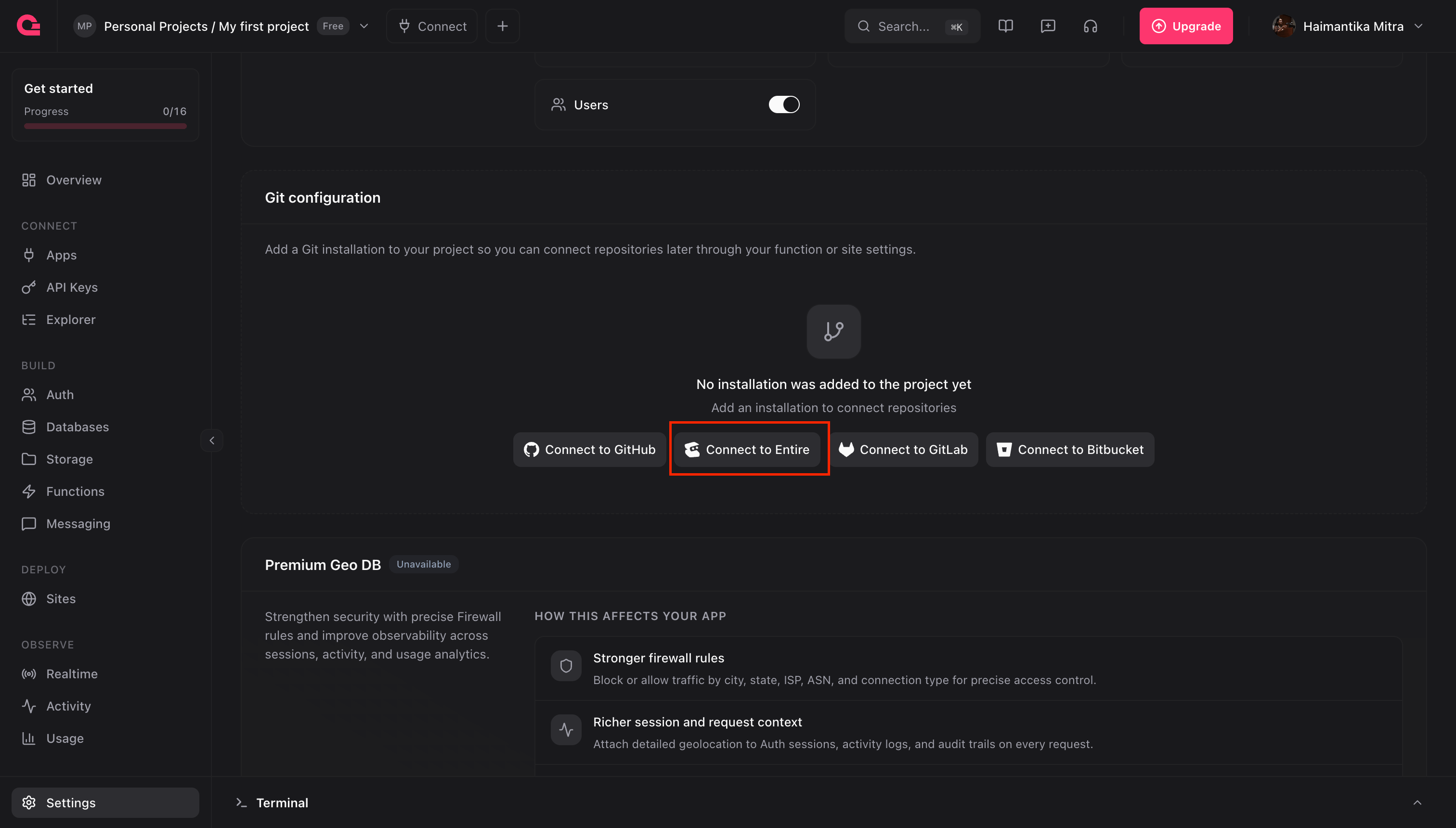
From project settings: Create a project in the Appwrite console if you don’t have one already. Then open Project settings, scroll down to Git configuration, and choose Entire as your Git provider.
-
From the creation flow: Connect Entire while you create a Site or Function. You can do this at any time, even if your project already has Sites or Functions.
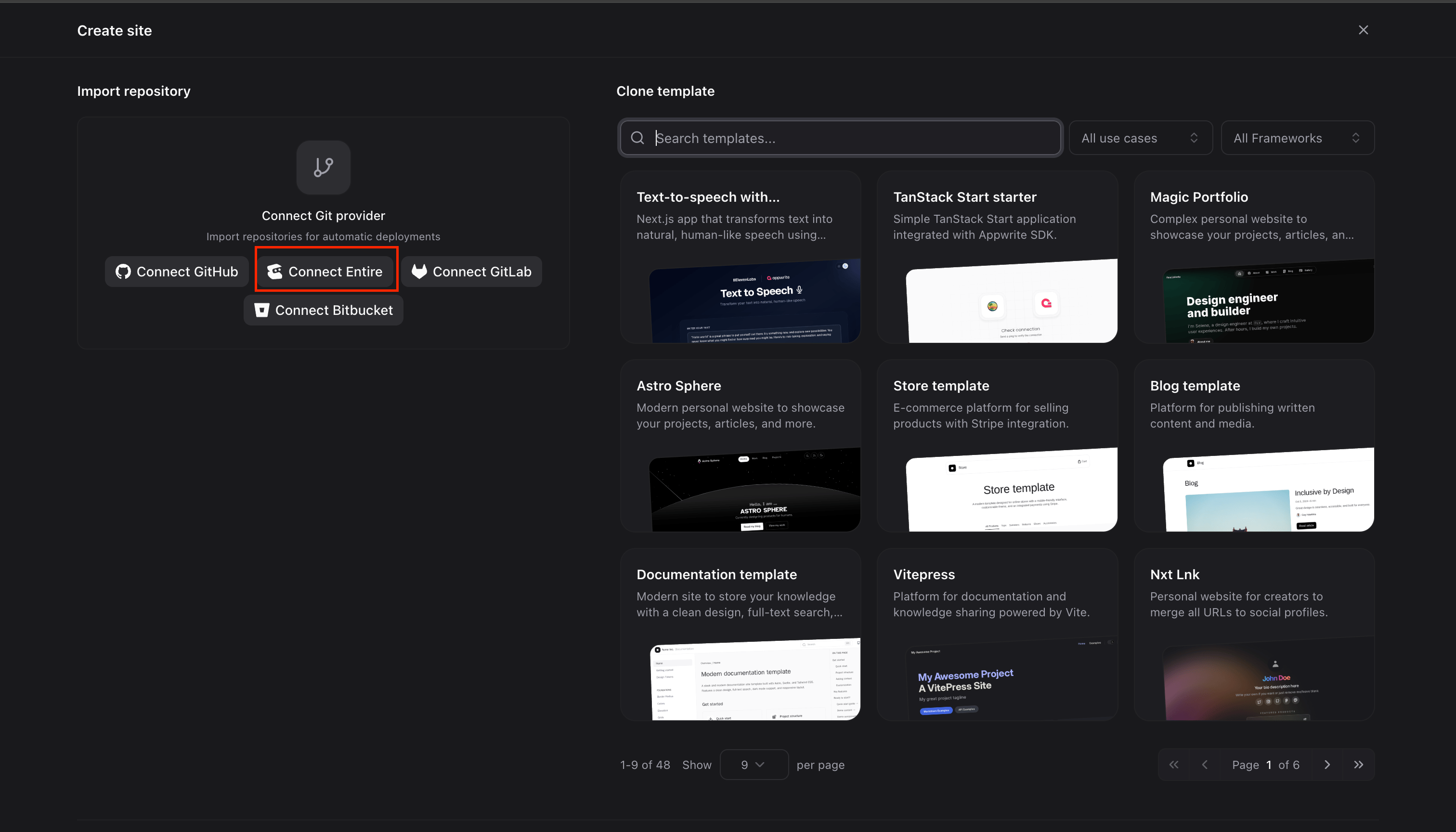
Create an Appwrite Site From Your Repository on Entire
- Open Sites from the left sidebar and select Create site.
- Choose Connect your repository, then connect to Entire.
- Pick the owner, and select your repository. Repositories use the same path as
entire repo view. For example, a repository namedteatimein theafternoonteaproject appears as/et/afternoontea/teatime. - Set your production branch, root directory, and framework. Appwrite detects common frameworks and fills in the build command and output directory for you.
- Add any environment variables, pick a domain, and select Deploy.
The process stays the same if you are deploying a template site.
- Push to your production branch and Appwrite builds a new deployment and activates it on your production domain.
- Push to any other branch and Appwrite builds a new deployment. Every deployment gets its own preview domain, which only members of your Appwrite project can open.
Create an Appwrite Function From Your Repository on Entire
Functions work the same way. Once Entire is connected to your project, you can start from a template or from scratch.- From a template
- From scratch
- Open Functions from the left sidebar and select Create function, or browse the templates. This example uses the Generate PDF template.
- Connect from Connect your repository select Entire as the provider and choose your repository.
- Select Deploy.
- Every push to your production branch ships a new version of your function.
- Every push to any other branch builds a preview deployment. Appwrite reports the build result back to Entire, so a failed build shows up as a red cross, which is a sign you might not want to merge that trail yet.