

What Is Entire CI Integrations?
Entire CI Integrations connects your Git repository to CI providers like Buildkite and Depot so you can run builds and tests whenever you push a change. You connect a provider through a plugin and use your configured pipelines to check your code. Entire collects the results so you can see which checks passed or failed and require them to pass before merging. Entire CI Integrations is currently available in public preview with Buildkite (hosted agents) and Depot, with more providers coming soon. Your build commands and pipeline configurations stay with your CI provider.How Does It Help?
Entire CI Integrations helps you catch issues before merging changes. You can check whether your code builds successfully, see which tests passed or failed, and make sure important checks are completed before a change is merged. For example, if you update an authentication flow, your CI provider can run the tests configured for that repository. Entire shows the results on the Trail alongside your changes. If a test fails, you can open the build details in your CI provider to investigate. You can also configure Required checks to prevent changes from merging until the selected checks pass.How Does It Work?
Once you connect a CI provider to Entire, the process works as follows:- You push a change to a connected repository.
- Entire notifies your CI provider about the change.
- The provider fetches your code and runs the configured builds and tests.
- The provider sends the results back to Entire, where you can review them on Entire Trails.
Connect a CI Provider
You can connect Buildkite or Depot to Entire by installing the provider’s plugin. Start the setup from entire.io and install the plugin on your project of choice, then select the repositories you want to connect. You can give the plugin access to all repositories in a project or only specific ones.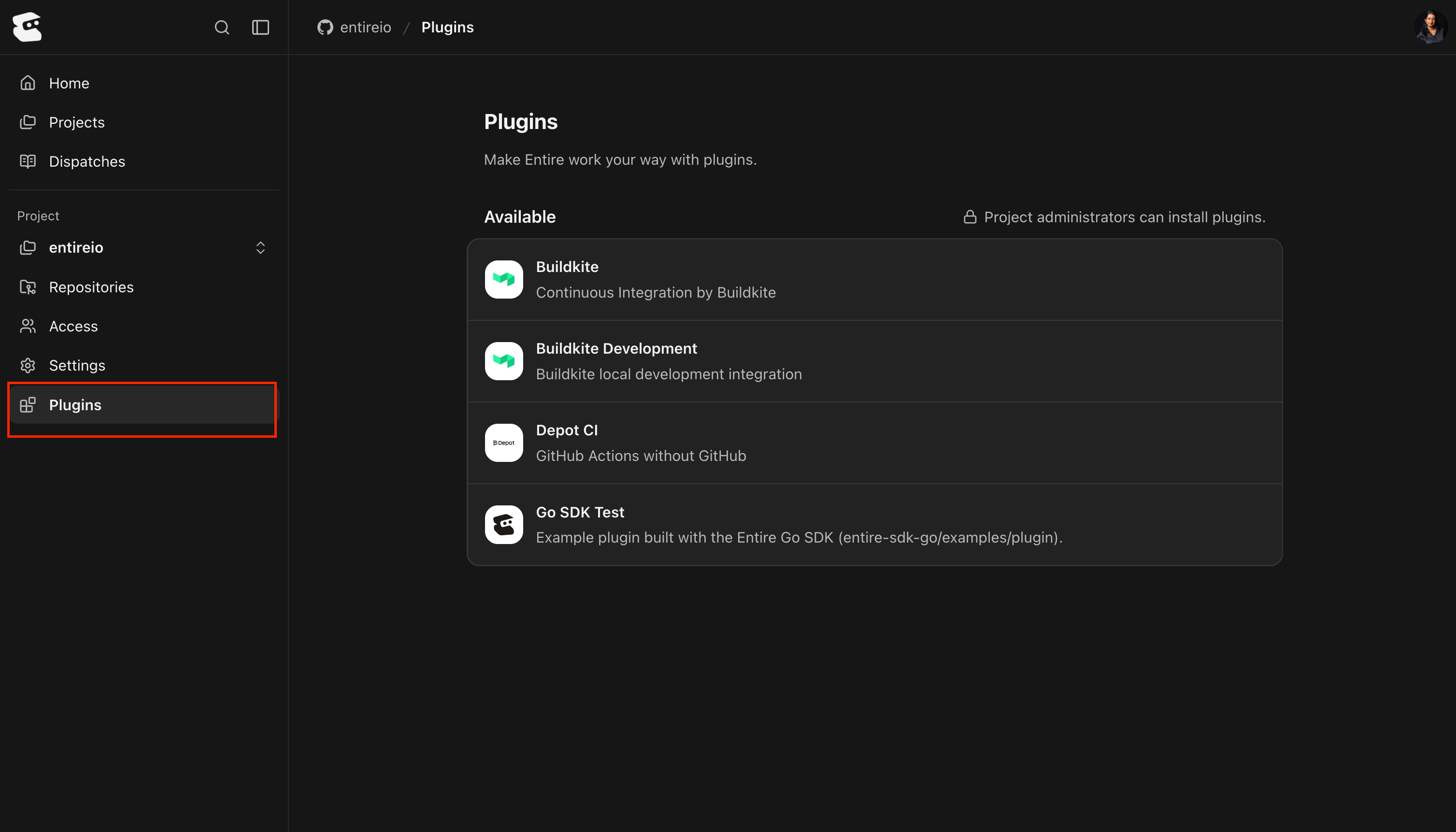
Review Results and Require Checks
Once your CI provider runs a pipeline, Entire displays the results in the plugin’s line under Gates on the Trail. Plugin gates are available on both repositories hosted on Entire and GitHub mirrors. The separate Checks gate is available only on GitHub mirrors. You can see whether each check passed, failed, or is still running. If a check fails, you can open the build in your CI provider to find out what went wrong. You can also set up Required checks for each plugin under the repository’s Settings then Gates. For Buildkite, name the pipeline inorg/pipeline format. For Depot, name a workflow or an individual job at the run level. These builds must pass before a change can be merged.
Entire evaluates the required checks against the latest commit. This means a passing result from an earlier commit cannot be used to merge a newer change.
See Review and Require Checks to learn more.
Continue With
Connect a CI Vendor
Install a plugin and choose its repositories.
Review and Require Checks
Review build results and configure merge requirements.
Troubleshooting
Investigate missing checks and blocked merges.